Sentence-level evidence so you can have a productive conversation with the student. Bulk scan a whole class. FERPA-compatible.
Academic AI detection is in a difficult middle period. The technology has moved past the early 2024 panic — it works, more or less — but the false-positive rate is still high enough that no responsible educator can use a single percentage as the basis for an academic-integrity decision. A 78% AI score on a student's essay isn't proof. It's a signal that needs investigation.
The cost of getting this wrong is real. False accusations damage student trust, raise legal risk for institutions, and disproportionately affect non-native English speakers — whose polished academic prose patterns the detectors trained on. The peer-reviewed research is consistent: most major detectors flag ESL writing 2–4× more often than native-speaker writing of the same quality.
TextSight is built for the actual workflow educators need. Not a single percentage you have to defend. Sentence-level highlighting that shows you exactly which sentences scored AI and why, so you can have a productive conversation with a student instead of an accusatory one. Bulk upload for a whole class so you're not opening 60 browser tabs at end-of-term. Scan history so you can see patterns over a semester instead of one-off flags.
And — critically — full FERPA-compatible privacy. Student work stays in your account. Nothing is shared with the student, parents, or admin unless you explicitly export a report.
Most detectors flag 30-40% of human-written ESL essays as AI. False accusations damage student trust and your credibility. Students shouldn't need to defend themselves against algorithms.
One-by-one scanning isn't viable when class submissions land all at once. You need bulk upload, not browser tabs.
"This essay scored 67% AI" isn't something you can show a student or department head. You need sentence-level evidence — which sentences, why flagged, and how confident.
Student work is FERPA-protected. You can't paste essays into random tools. You need to know exactly where the data goes and who can see it.
The same essay scores 95% AI on one detector and 12% on another. You can't base academic integrity decisions on a single percentage.
Each flagged sentence is shown with its individual score and reason. "Sentence 4 scored 89% AI: predictable rhythm + 3 bridge words" — concrete evidence you can discuss with the student.
Upload a class's worth of essays at once. Each is scanned and scored in parallel. Review the flagged ones first, skip the obviously-fine ones.
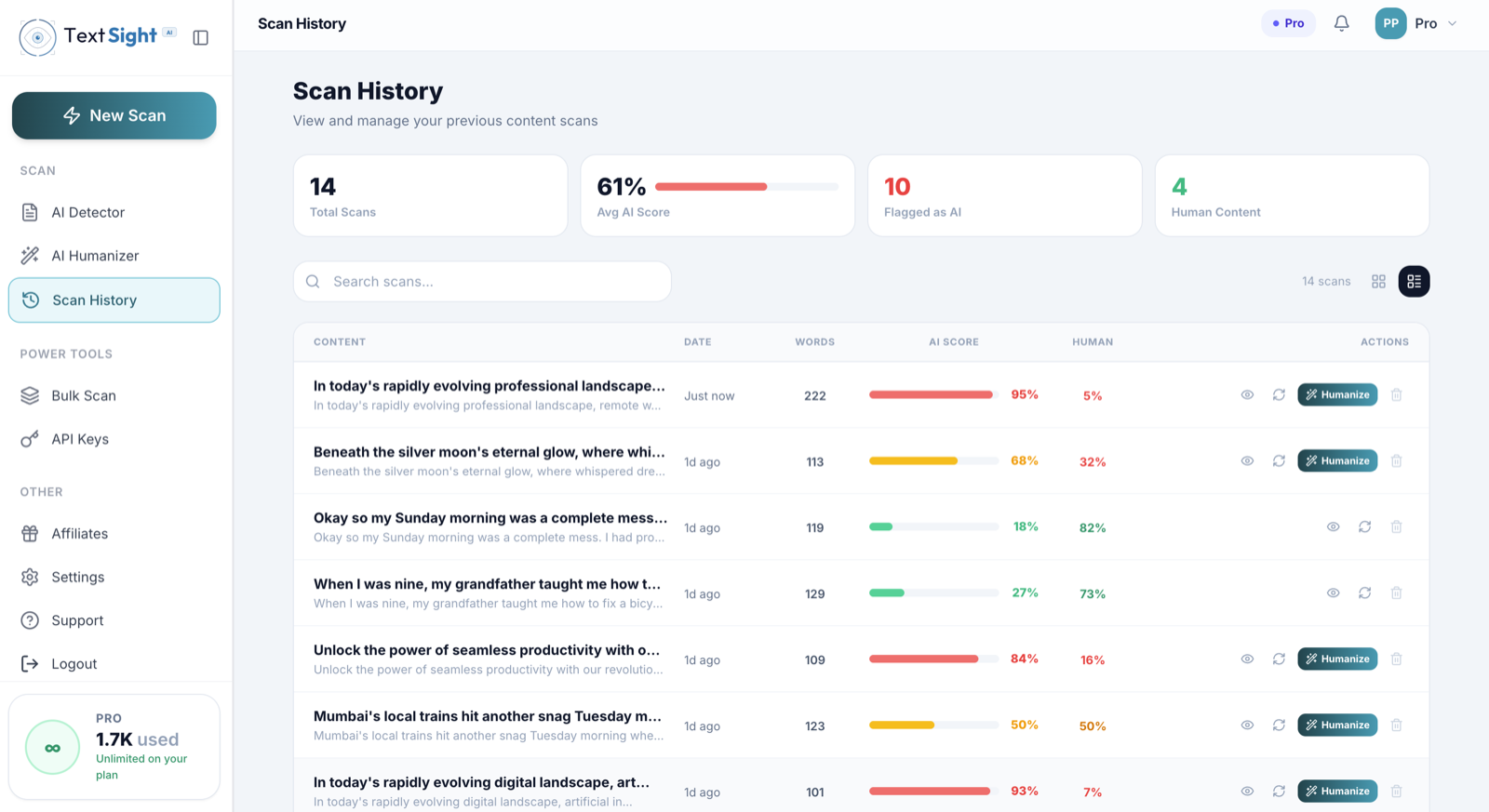
Every scan is saved with metadata. Track score trends per student over a semester. Spot patterns you wouldn't catch in one-off scans.
Scans are private to your account. Nothing is shared with the student, parents, or admin unless you explicitly export a PDF report. Data is encrypted in transit and at rest.
billed $359.88/year
Enterprise $59.99/mo adds 10 seats + 50K API calls/mo (for institutional rollout)
TextSight self-reports 99.2% accuracy on AI vs human classification. The differentiator is sentence-level analysis — you don't base decisions on a single percentage; you see specifically which sentences are flagged and why.
TextSight flags AI patterns (sentence-length variance, bridge-word density, generic structure), not language proficiency. False-positive rates on ESL writing are lower than competitors that rely heavily on perplexity scoring.
Business tier supports bulk PDF/DOCX upload with parallel scanning. Upload 60 essays, get 60 reports back within minutes.
Scans are private to your TextSight account. Student data is encrypted in transit (TLS) and at rest. Nothing is shared with the student, parents, or institution unless you explicitly export a report. For institutional rollouts requiring DPA agreements, contact sales.
Free tier: 3 scans/day, 5,000 chars per scan. Useful for individual essay checks. For class-volume work, the Starter tier ($7.49/mo annual) handles 20 scans/day.
Direct LMS plugins are not yet available. The Business+ tier includes a REST API your IT team can wire into your LMS for automated scanning of submissions.
A single tool should never be the basis for an academic-integrity decision. TextSight is built to be a careful second signal, with the evidence laid out in a way you can actually defend in a department meeting.
Every flag is anchored to a specific sentence with its individual score and the pattern that triggered it. When you sit down with a student, you point at the four sentences in question, not a single percentage hanging in the air.
TextSight is calibrated to treat polished writing carefully. The Authenticity Score banding nudges you toward "Mixed" before "Likely AI", so honest students with strong prose are not punished for being good writers. Treat any single score as a question, never a verdict.
Models that lean on perplexity tend to misfire on non-native English and formula-heavy STEM essays. TextSight uses sentence-length variance, bridge-word density and structure signals together, which reduces the lopsided flagging that hurts ESL students and lab-report writers most.
Upload an entire class of PDF or DOCX submissions in one go. Scans run in parallel and land in your history sorted by score, so you can review the top of the list first and spend zero time on essays that are clearly fine.
Scans stay inside your TextSight account. Submissions are encrypted in transit and at rest, never used to train models, and never visible to students, parents or admins unless you choose to export. For district rollouts requiring a formal data-processing agreement, contact sales.
TextSight scans content, not identities. We do not ingest student names, IDs or roster metadata. If a name appears in the body of an essay, it is treated as ordinary text. Reports you export include only the text, the score and the timestamp.
Single teacher, department lead or district admin, the right tier depends on weekly scan volume, whether you share an account, and whether IT plans to wire detection into your LMS.
Best for: A single teacher trying TextSight on a handful of suspicious essays before committing. Useful for spot checks during the semester, not class-wide scanning.
3 scans per day, 5,000 characters per scan, Authenticity Score banding, sentence-level highlighting.
Best for: A single teacher running detection across one or two classes per week. Mid-volume work where you want history, but you do not need bulk upload or a team seat.
20 scans per day, 20,000 AI rewriter words per month, Chrome extension, 30-day scan history.
Best for: A working teacher with three to five sections, or an instructor who runs end-of-semester batch reviews. Unlimited scans means you stop rationing checks during finals week.
Unlimited scans, 50,000 AI rewriter words per month, file and URL upload, 60-day history, priority support.
Best for: A department head sharing access with four colleagues, or a small private school standardising on one detector. Also the right starting point for district pilots before going enterprise.
5 team seats, 100,000 AI rewriter words per month, REST API access, white-label PDF reports, 90-day history.
Annual billing saves 25 percent, dropping Pro to $14.99 per month and Business to $29.99 per month. Full pricing
TextSight is built to be privacy-aware and FERPA-compatible, but the legal posture depends on how your institution uses it. Submissions are encrypted in transit and at rest, scans stay inside your account, content is not used for model training, and we do not capture student names, IDs or roster information. For a formal data-processing agreement signed by your school or district, contact sales before rolling out widely.
No, and we actively discourage that. Any single AI detector is a signal, not a verdict. Use the TextSight score to open a conversation backed by the sentence-level highlights, ask the student to walk you through their process, request drafts or version history from their writing tool, and weigh prior writing samples. Academic-integrity decisions should rest on multiple sources of evidence, not one number.
Start by re-reading the flagged sentences with the student. Many honest essays score "Mixed" because of formal academic register, dense citation language or a templated rubric. Ask the student to produce a short timed paragraph on the same topic, request the document version history from Google Docs or Word, and compare with previous in-class writing. If the evidence does not hold up, dismiss the flag and document your reasoning in case the question comes back later.
There are no first-party LMS plugins yet. Most teachers download submissions as PDF or DOCX from Canvas, Schoology or Moodle and bulk-upload them into TextSight in one batch. For larger rollouts, the Business tier includes a REST API your IT team can wire into the LMS for automated scanning on submission. Native LMS apps are on the roadmap and not yet shipped.
Yes on Pro and Business. Drag a folder of essays into the upload panel and TextSight will queue them in parallel. A typical 60-essay batch finishes inside ten minutes. Results land in your history sorted by score, so you can review the top of the list first and skip the obviously fine submissions.
Yes. Business tier exports a clean PDF for any scan, with the overall Authenticity Score, the sentence-level breakdown, a timestamp and a short methodology note for non-technical readers. The report is white-label friendly so you can hand it to a parent or department head without leaking internal jargon. Pair it with prior writing samples so the conversation is grounded in pattern, not in a single moment.
ESL writing is the area where detectors fail most often, and TextSight is designed with that in mind. We weight structural variance and bridge-word density alongside perplexity, which reduces the unfair flagging that hits non-native English writers hardest. Even so, if a student has unusually careful or formulaic prose, expect "Mixed" rather than "Likely AI" and lean harder on draft history, in-class writing samples and a short interview before drawing a conclusion.
A workable policy usually has four pieces. First, state which tools are allowed and which are not for each assignment type. Second, require students to disclose AI use in a short footnote. Third, ask for draft history or process notes on graded essays. Fourth, explain that detectors like TextSight are a signal, never a sole basis for an integrity decision, and that flagged work will trigger a conversation rather than an automatic penalty. Sharing this on day one removes most of the surprise later.
3 free scans/day, no credit card required.