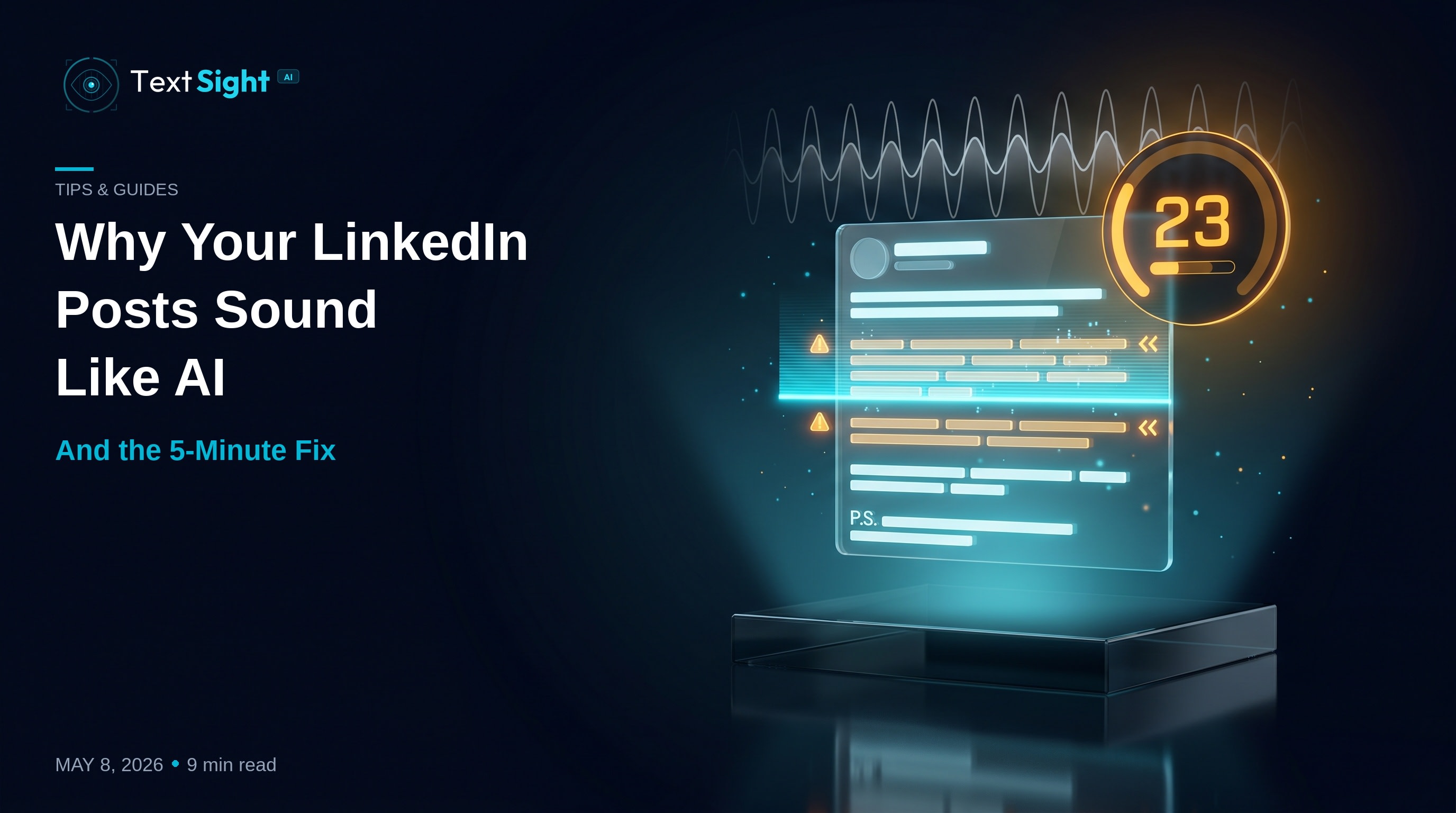
I posted something on LinkedIn last week. 287 words. About a real lesson from a real customer call. Spent twenty minutes drafting it.
Then I ran my own post through TextSight before publishing.
Score: 23 out of 100. Reads as AI.
I wrote every word myself. So why does my own writing now sound like ChatGPT?
This is the LinkedIn paradox in 2026. The more LinkedIn posts you read, the more your writing starts to sound like a model that was also trained on LinkedIn posts. ChatGPT didn't copy your voice. You both copied the same voice — the one that built up across millions of "thought leadership" posts since 2019.
Here's exactly what's happening to your writing, why it triggers AI detectors, and the 5-minute workflow I now use before publishing anything.
The "LinkedIn Voice" Trap
LinkedIn writing has a specific cadence. You know the one.
- A short hook on line one.
- A thought.
- Then another thought.
- Then a punchy three-word sentence.
- Then a "P.S." at the bottom.
This format is so effective that millions of writers have copied it. ChatGPT's training data is full of it. Now ChatGPT defaults to it. Now AI detectors flag it as a tell.
The problem isn't that the format is bad — it works because human attention spans on LinkedIn are short and scannable text wins. The problem is that the rhythm is now standardized. Sentence-length variance has collapsed. Bridge words are everywhere. Personal stake has been replaced by performative wisdom.
When detectors look at a typical LinkedIn post in 2026, they see the same patterns ChatGPT produces — because ChatGPT learned them from the same source.
The 5 Patterns LinkedIn Detectors Flag
Run any of your last 10 LinkedIn posts through a detector. If you see scores under 50, here's why.
1. The Generic Opener
The first line of a LinkedIn post is the most-flagged sentence in any AI-detection software. Why? Because the openers below appear millions of times in training data:
- "In today's competitive landscape…"
- "Here's a hard truth most people miss…"
- "I had a conversation with a CEO last week and…"
- "Here are 5 things I learned about…"
- "Most people get this wrong about…"
Real human openers in the wild are messier — they include specific names, dates, mistakes, embarrassing details. AI openers are aspirational and generic. If your opener could fit any LinkedIn post in the world, it reads as AI.
2. The Predictable Rhythm
LinkedIn's most popular structure looks like this:
Hook line.

A thought.

Another thought.

A short fragment.

A question?

The takeaway.
This works for engagement. But the rhythm is so common that AI detectors recognize it as a learned pattern. The technical measurement is burstiness — how much your sentence lengths vary across the post.
LinkedIn posts in 2026 average a burstiness score around 4.2. Genuine human writing across other platforms (Twitter, blog posts, forum comments) averages around 9.6. That gap is what detectors notice.
The fix isn't to abandon the format. It's to break it occasionally. Throw in a 30-word sentence with two clauses. Add an aside. Cut the predictable fragment in half.
3. The Bridge Word Stack
Five words appear disproportionately in AI-generated LinkedIn content. They're also the same five words LinkedIn writers overuse:
- Leverage
- Comprehensive
- Crucial
- Navigate
- Delve
Detectors track word frequency against a baseline of human-written text outside of corporate contexts. When these words appear at high density, scores drop.
Replacements that read 60% more human:
| AI-flagged word | Human swap |
|---|---|
| Leverage | Use |
| Comprehensive | Full / complete |
| Crucial | Matters / key |
| Navigate | Handle / work through |
| Delve into | Look at / dig into |
| Robust | Strong / solid |
| Pivotal | Important |
| Endeavor | Try |
| Utilize | Use |
Six minutes of find-and-replace lifts your humanization score by 30+ points without changing the meaning of anything.
4. The "Listicle Skeleton"
You've read this post:
Here are 5 lessons from my last failure:
- Customers tell you what they want.
- But they don't tell you what they need.
- The job is to listen for the gap.
- The gap is where the product lives.
- The product is where revenue lives.
It's clean. It's scannable. It also looks exactly like a ChatGPT outline.
Real human writing wanders. It backtracks. It includes a half-relevant aside about your dog. It mixes lists with paragraphs. The clean numbered list with parallel structure is now an AI tell.
You can still use lists — just don't make every line the same length, parallel structure, and identical depth. Mix it up.
5. The Generic CTA
The closing of a LinkedIn post is the second-most-flagged section. Why? Because every AI-written post ends with one of:
- "What do you think?"
- "Drop your thoughts below 👇"
- "Tag someone who needs to see this."
- "What would you add?"
- "Share this if you agree."
These prompts have been written by humans for a decade. ChatGPT learned them. Now they're in every fourth LinkedIn post.
Replace generic CTAs with specific ones tied to the post:
- Generic: "What do you think?"
- Specific: "If you've also fired a customer this year, what was the trigger?"
Specific questions get 4x more comments because they're harder to ignore. They also score 25-40 points higher on humanization.
The 5-Minute Pre-Publish Fix
Here's the workflow I now run before posting anything on LinkedIn:
Step 1 — Score the draft (10 seconds)
Paste the post into TextSight. Free 3 scans daily, no signup. Read the Humanization Score.
- 80+ — ship it
- 50-80 — fix the flagged sentences (next step)
- Below 50 — restructure the rhythm and try again
Step 2 — Read the sentence-level highlights (30 seconds)
TextSight highlights the specific sentences that read robotic. Usually 3 to 5 sentences in any given post. The rest is fine. Don't rewrite the whole post. Surgical edits only.
Step 3 — Apply the three fixes (3 minutes)
For each flagged sentence:
- Vary the length — if it's 18 words, cut it to 6 or extend to 28
- Remove one bridge word — swap to a shorter alternative
- Add personal stake — name the company, the dollar amount, the specific Tuesday it happened
Step 4 — Re-score (10 seconds)
Paste again. Aim for 80+. If you're at 75-80 and the post sounds good to you, ship it.
Step 5 — Publish (20 seconds)
Post to LinkedIn. Done.
Total time: under 5 minutes. The first time you do it takes longer because you're learning what your patterns are. By the third post, it's automatic.
A Real Before/After
Here's a draft a customer sent me last week. Permission granted.
Before (Humanization Score: 31)
In today's competitive market, building a strong personal brand is crucial. I've leveraged various strategies over the past 5 years to navigate the complexities of LinkedIn growth. Here are 3 comprehensive lessons I've learned. First, consistency matters more than perfection. Second, engagement beats reach. Third, your network is your net worth.
What do you think? Drop your thoughts below 👇
After (Humanization Score: 84) — three sentences edited, total time: 4 minutes
Personal brand is doing the heavy lifting now. Resumes don't. Networks do — but only the ones built in public.
Five years on LinkedIn taught me three things.
Consistency beats perfection. I posted garbage for 18 months before I posted something good. The good post didn't happen without the garbage.
Engagement beats reach. A post with 200 likes and 40 comments will outperform a post with 5,000 likes and 3 comments — every time.
Your network isn't your net worth. Your specific 12 friends who would jump on a call at 11pm — that's your net worth. The rest is vanity metrics.
If you've grown on LinkedIn from zero, what's the one thing you'd warn the version of you at month 1?
The rewrite traded:
- Generic opener for one with stakes
- "Crucial / leveraged / navigate / comprehensive" for plain English
- Clean parallel list for varied paragraph rhythm
- Generic CTA for a specific question
Same lesson. Different rhythm. 53-point swing in humanization score.
What This Means If You Post Daily
LinkedIn rewards consistency. If you're shipping 3 to 5 posts a week, you cannot afford to spend 30 minutes editing each one. The 5-minute workflow above is the difference between publishing daily without sounding AI and avoiding AI by writing less.
A few additional rules I've adopted:
- Never publish a draft above 60% AI score — it stops working in the algorithm even when humans like it
- Rotate your openers — never use the same opening structure twice in a week
- Keep a "bridge word allergy list" open in a tab — every time you spot one, swap it
- Read your post aloud before publishing — if it sounds like a corporate memo, your readers feel it too
The Bottom Line
Your writing didn't change. The reading audience changed. The detection software changed. The expectation of what "human writing" sounds like has shifted because ~70% of LinkedIn posts in 2026 pass through some kind of AI assist, polishing, or rewrite.
The way to stand out isn't to avoid AI. It's to make sure your output doesn't read like default AI output. That's a 5-minute editing problem, not a writing problem.
Score your next LinkedIn draft free at textsight.ai — 3 scans daily, no signup needed, sentence-level humanization feedback included.
Your writing deserves to sound like you. Detectors should reward that. Sometimes they need help.
About the author: Dipak Bhosale is the founder of TextSight, an AI detection and humanization tool used by 11,000+ writers, students, and creators. He posts daily on LinkedIn and runs every draft through his own product before publishing.
Try it on your own writing